GhostCall vs WhatsApp for Voice Calls: Full Comparison (2026)
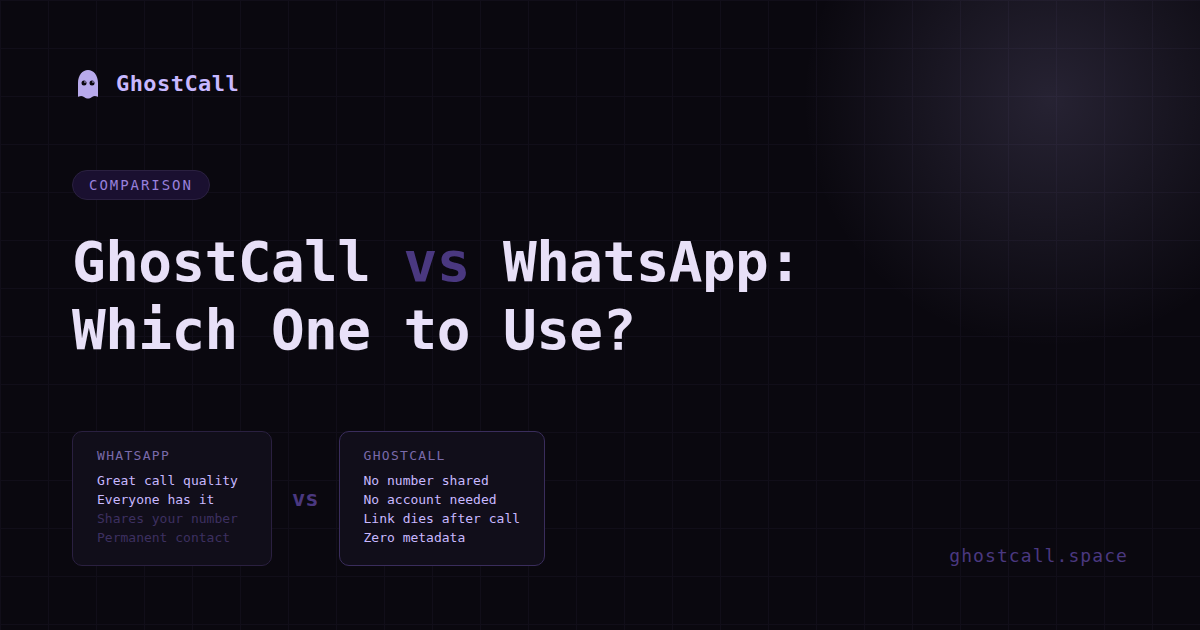
Quick answer — they're not really competing. They're built for completely different situations. But people keep asking this question so let me actually break it down properly.
What WhatsApp is built for
WhatsApp is built for people you already know.
Your family group. Your friends. Your regular clients. People whose numbers are already saved in your phone. The entire product assumes you have an ongoing relationship with the person you're calling.
And for that use case it's genuinely excellent. Call quality is great. Works on slow internet. Everyone already has it. Free. Reliable. End-to-end encrypted. If you're calling someone you talk to regularly — just use WhatsApp. There's no reason not to.
What GhostCall is built for
GhostCall is built for people you don't know yet.
Or people you know slightly. Or people you need to talk to once and never again. Or people you're not sure about yet and don't want permanent access to your contact details before you've made that decision.
GhostCall assumes no prior relationship. No saved contacts. No number exchange. Just a link and a conversation. When the call ends, the link dies permanently — no way to call back, no record of the call, nothing left behind.
The core difference
GhostCall: both sides leave with nothing.
The link dies. The room is gone.
Full comparison: GhostCall vs WhatsApp
| What matters | GhostCall | |
|---|---|---|
| Setup before the call | App + verified number required from both | One click link. Other person just needs a browser. |
| Number exchanged | Yes — both sides get each other's number | No — nothing is exchanged |
| Call quality | Excellent — works even on 2G | Solid on decent internet |
| Audio privacy | E2E encrypted — Meta can't hear it | Peer-to-peer — never touches any server |
| Metadata logged | Who, when, how long, location | Nothing — no accounts to attach it to |
| After the call | They can still reach you anytime | Link is dead. Room is gone. |
| Account needed | Both people | Nobody |
| App download needed | Yes — both people | No — just a browser link |
When to use WhatsApp
Basically — any call where both people already know each other and a permanent contact relationship exists or is wanted.
When to use GhostCall instead of WhatsApp
Basically — any call where the relationship doesn't exist yet and you're not sure it should.
The honest summary
WhatsApp is the right tool for 90% of calls people make. It's excellent at what it does.
GhostCall is for the 10% of situations where you need a voice call but you're not ready to hand over your personal number to make it happen. No signup, no app, no number — just a link that works once and disappears.
Different tools. Different moments. Both valid. The question isn't which one is better. The question is which one fits the specific call you need to make right now.
If they're not yet and you're not sure they should be — GhostCall.
Frequently asked questions
Yes — using GhostCall. Open ghostcall.space, start a call, and share the link. The other person clicks it and joins without either side needing to share a phone number. No app or account required from either person.
No. WhatsApp is the right tool for calling people you already know. GhostCall is for first calls with strangers — OLX buyers, new freelance clients, one-time contacts — where you want the conversation but not the permanent number exchange.
GhostCall for call privacy. WhatsApp encrypts audio but Meta still logs metadata — who you called, when, how long, your location. GhostCall audio goes peer-to-peer and never touches a server. No account means no metadata to log.
No. Just click the link and hit join. No app, no account, no number. Works in any browser on any phone.
Yes, completely free. No subscription, no credit card, no hidden cost. Both sides of the call pay nothing.
More from GhostCall Blog
→ So what actually is GhostCall? → Is Your Phone Actually Listening to Your Calls? → Why You Should Never Call a Stranger on WhatsAppNo number needed. No account. Just a link and a call.
Try GhostCall Free →