How to Do a Client Call Without Giving Your Personal Number
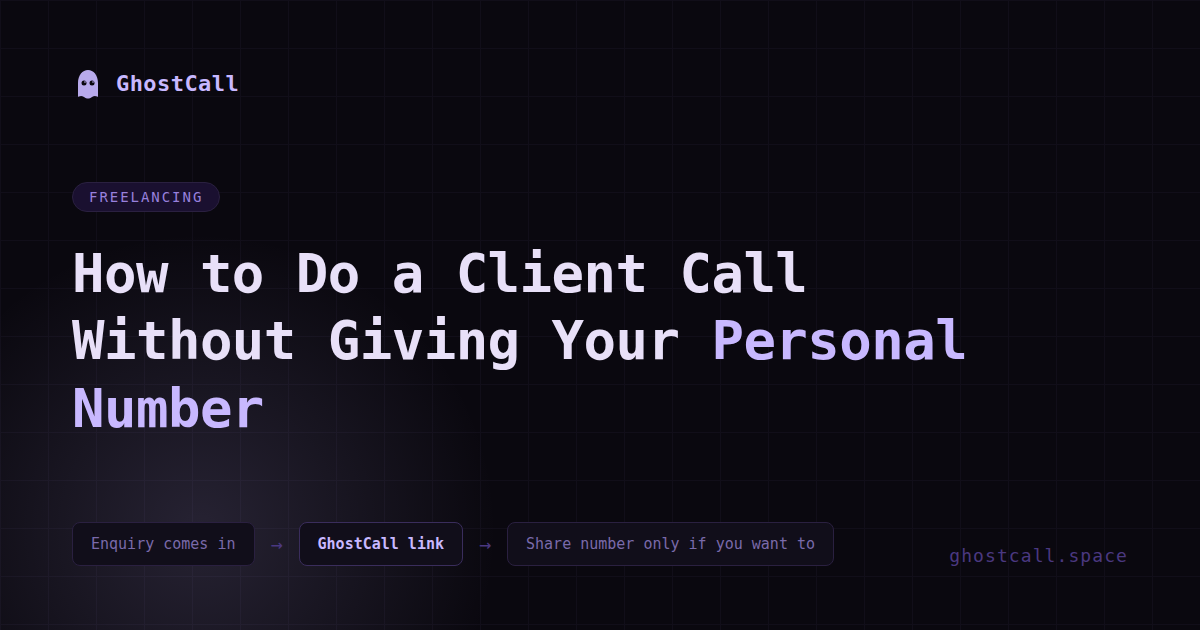
Every freelancer figures this out the hard way. You get an enquiry, share your WhatsApp number because that's just how it works, the call happens — and then they never come back. But they still have your number.
And now you have seventeen people who "just wanted to discuss" something saved in your WhatsApp contacts who you'll never work with. Some of them message you months later asking for free advice. Some call on weekends. Some just read your status updates silently forever.
You didn't sign up for any of that. You just wanted to take a client call.
Why freelancers specifically have this problem
If you work a regular job your work calls happen through your company's systems. Your personal number stays personal.
Freelancing collapses that boundary completely.
You are the company. Your personal number is the business number. Your WhatsApp is the client communication channel. There's no separation unless you deliberately build one.
And most freelancers don't think about this until it's already messy.
The standard advice that doesn't actually work
Get a second SIM. This is what everyone says. And technically it works — you have a "work number," keep your personal number separate, done.
Except now you're carrying two phones or constantly switching SIMs. You're paying for two plans. You have to remember which number to share with whom. And the "work number" is still a permanent number. That client who wasted two hours of your time on a discovery call and never paid you a rupee — they still have permanent access to call you anytime.
You solved the wrong problem.
What about Zoom or Google Meet
A lot of freelancers default to Zoom for client calls. Which works fine once a project is confirmed and you're doing proper meetings.
But for early stage conversations — the first call where you're both figuring out if this is even going to happen — Zoom feels like a lot. Calendar invite, meeting link, both people need to show up at a specific time, there's a waiting room, someone shares their screen accidentally.
It's too much structure for what is essentially a "let me understand what you need" conversation. And you still had to share your email to send the Zoom invite. Which is better than your phone number but still something.
The actual problem nobody talks about
from a personal information standpoint.
At this point you know almost nothing about this person. You don't know if they're serious. You don't know if they have a realistic budget. You don't know if they're going to be a good client or a nightmare client. You don't know if this is going anywhere at all.
And yet this is the exact moment you hand over your most direct contact information. Your personal WhatsApp number. The thing that gives someone the ability to reach you anytime, forever, with zero friction.
The decision to share your number comes before you have any information to make that decision well. That's backwards.
What should actually happen
The call should come first. The number exchange should come later — if at all.
You have the conversation. You figure out what they need. You decide if you want to work with them. If yes, great — now you exchange proper contact details and start the project. If no — the conversation ends and nothing permanent was shared.
That's how it should work. But until recently there wasn't a clean way to do it.
How GhostCall fixes this specifically
GhostCall lets you have that first call without exchanging anything.
You go to ghostcall.space, hit Start a Call, and you get a link. You paste that link into whatever platform you're already talking on — email, LinkedIn, Instagram, Upwork, wherever the enquiry came from — and say "click this to connect."
They open the link, hit join, and you're on a call. No app downloaded. No account created. No number shared. From either side.
The call happens. You figure out if this client is worth working with. If yes — now you exchange WhatsApp numbers or set up a proper Zoom. If no — you hang up and the link dies permanently. They have no way to reach you again unless you give them one.
You stay in control of when and how you become reachable.
What this looks like in practice
Instead of sharing your number you reply — "happy to jump on a quick call, here's a link: ghostcall.space — just click it when you're ready."
They click it. You talk for 15 minutes. You understand the project. You like them, the budget is reasonable, this could be good work.
Now you say — "great, let me share my WhatsApp so we can stay in touch" — and you give your number. At this point you've made an informed decision. You chose to give them access.
That's very different from giving your number to everyone who sends an enquiry and hoping for the best.
The clients who are serious won't care
The one thing freelancers sometimes worry about is — will a client think it's weird if I send a link instead of my number?
Genuine clients who are serious about the project will not care at all. They want to have the conversation. How the call happens is not the point for them.
The people who push back or act confused about clicking a simple link — those are usually the people who weren't that serious to begin with. Which is useful information to have early.
What changes when you do this consistently
Your WhatsApp contact list stops filling up with people who never became clients.
You stop getting random weekend messages from people who enquired three months ago.
You stop feeling obligated to respond to someone just because they have your personal number.
And the clients who do end up with your number — they earned it. They went through the conversation, you vetted them, you made an active choice. That relationship starts differently.
Your personal number is not a business card. Stop handing it out like one.
More from GhostCall Blog
→ So what actually is GhostCall? → Why You Should Never Call a Stranger on WhatsApp → Free voice call without signup: what actually works in 2026Take the call first. Share your number only if you want to.
Try GhostCall Free →